
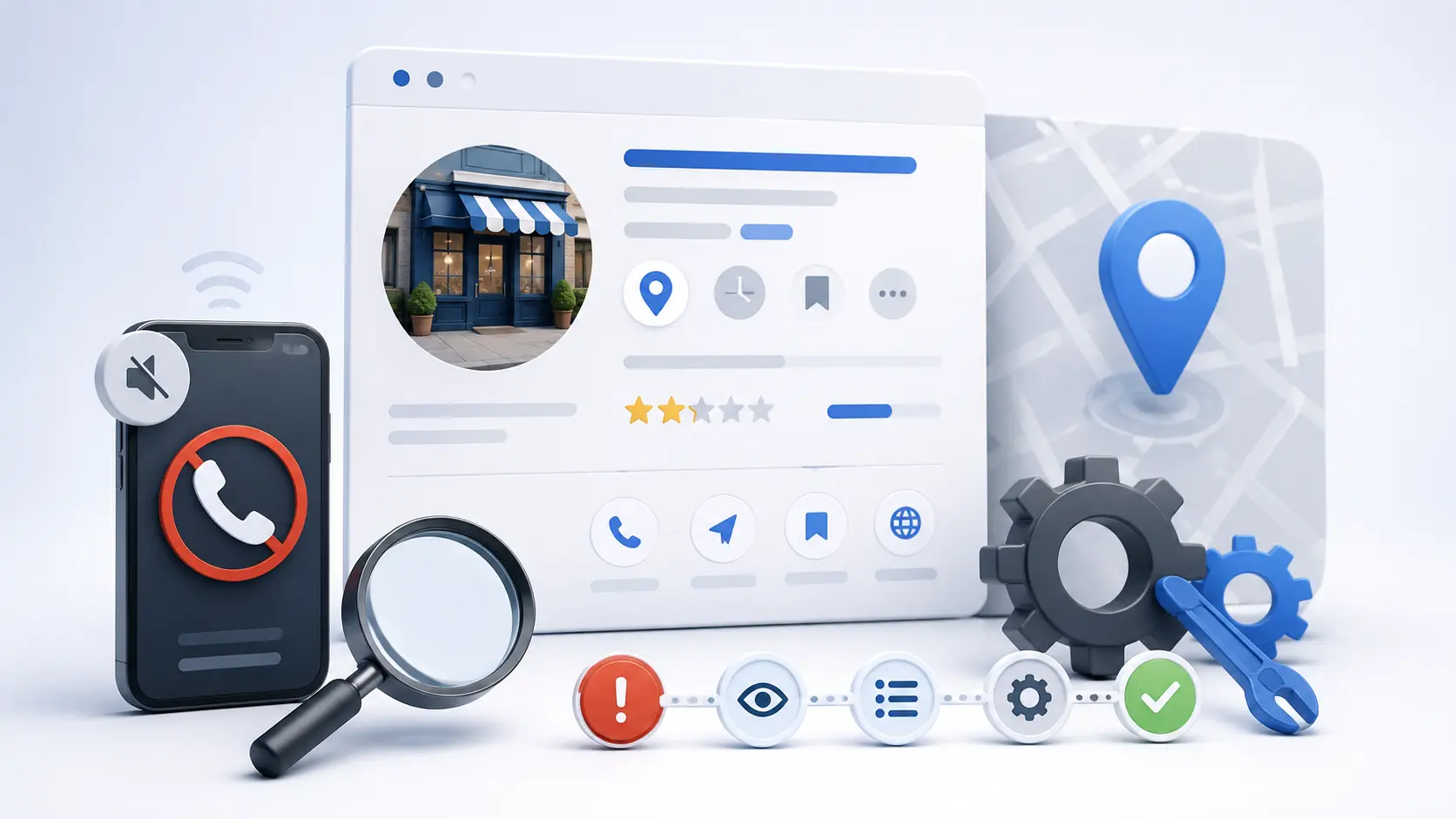
The call volume from your Google Business Profile drops. Nothing obvious changed. You didn’t touch the listing, the reviews are still there, the phone still works.
Most owners respond by posting more, or by buying something. Both are guesses. There are only about eight things that actually cause this, and you can work through them in an afternoon without spending a dollar.
Work them in this order. The list is sequenced by how often each one turns out to be the culprit.
Step 0: confirm you actually have a problem
Before diagnosing anything, separate fewer calls from fewer people finding you. They have different causes.
Open the performance data on your profile and compare the last 90 days against the same 90 days last year — not against last month. Seasonality will fool you badly here; an HVAC company comparing October to August will always look like it’s collapsing.
Then look at which number actually fell:
| What dropped | What it means | Go to |
|---|---|---|
| Views / impressions | You’re being shown less often | Steps 1–5 |
| Views held, calls fell | You’re being shown but not chosen | Steps 6–8 |
| Both fell together | Usually a visibility problem first | Steps 1–5, then re-check |
That single split saves most people from fixing the wrong thing.
Nine times out of ten, the owner tells me their rankings dropped. Then we look, and the rankings are fine — they’re getting seen the same amount and nobody’s calling. Those are completely different problems and only one of them is an SEO problem.
Bradford Blecker, Founder, Bradford Strategies
Step 1: check for a suspension or a soft edit
Sign in and look for a suspension notice, but also do the thing most people skip: check whether Google quietly changed your listing. Google accepts edits from users and from its own automated sources, and it does not always tell you clearly.
Compare your current category, hours, service area, name, and address against what you set. We have found businesses whose primary category had been changed months earlier — which quietly removes you from every search for the category you actually serve.
Also check for duplicate listings. An old address, a former business name, or a listing created by a franchise or supplier can split your signals and outrank your real profile with a stale record.
Step 2: verify your primary category is still right
Primary category is the single most powerful field on the profile and the one most often set carelessly at signup and never revisited.
Search your main money keyword in an incognito window and look at the top three businesses in the map pack. Check what primary category each of them uses. If all three use a category you don’t, that is very likely your answer — Google has decided which category answers that query, and you’re not in it.
Add secondary categories for everything you genuinely do, but be disciplined: the primary should match your highest-value service, not your broadest one.
Step 3: check your name, address, and phone against everything else
Your NAP has to match — character for character — across your website, your profile, and your major citations. Not “close enough.” Identical.
“Suite 110” and “Ste 110” are two different addresses to a system trying to reconcile records. So are “&” and “and” in your business name. So is a tracking number on your website that doesn’t appear on your profile.
This one matters more than it used to, because AI systems are now reading the same records to decide whether you’re a real, consistently-described business. Inconsistent NAP data doesn’t just cost you map-pack position — it makes you harder for an answer engine to name with confidence. We cover that connection in how to get cited by AI search.
Step 4: check whether your service area is fighting you
Two common self-inflicted wounds here.
Setting a service area too wide. Listing twenty townships does not make you rank in twenty townships. Google’s local ranking is heavily proximity-driven, and an enormous declared service area can dilute your relevance without gaining reach.
Hiding your address when you shouldn’t. If customers come to you, a visible address is a strong signal. If they don’t, hiding it is correct. Getting this backwards is common and costly.
Also worth knowing: your map-pack visibility varies enormously by where the searcher is standing. Ranking third downtown and nineteenth six miles out is normal, not a bug — but if you don’t measure across a geographic grid, you’ll misread a coverage problem as a ranking collapse.
Step 5: look at who moved into your market
Your rankings can fall without you doing anything wrong. A competitor who spent six months collecting reviews, or a regional player who opened a location closer to your core service area, will take positions from you.
Run your main keyword and compare the current top three to your profile on the things that are actually visible: review count, review recency, photo count, category, hours, whether they answer questions. Usually one gap is obvious, and it’s usually reviews.
Step 6: read your reviews the way a customer does
Now we’re into the “being seen but not chosen” half. This is where the problem usually is when impressions held steady.
Three things to check, in order of impact:
- Recency. A 4.9 average built entirely in 2023 reads as a business that may not still be operating well. Steady review flow matters more than the total.
- Your recent negatives. One angry, detailed, unanswered review near the top of your profile will cost you more calls than a tenth of a star ever will. Respond to it — calmly, specifically, without arguing. You’re writing for the next hundred people who read it, not for the reviewer.
- What the text actually says. Reviews that describe the job — “replaced our AC in Bethlehem in one day during the July heat wave” — are far more useful than “great service.” They’re persuasive to humans and retrievable as facts by machines. Ask customers what specifically to mention.
Step 7: check what happens after they click
Pull out your phone and go through it as a stranger would. Genuinely — not from memory.
- Tap the call button. Does it ring the right place? Does anyone answer? A surprising number of these audits end here.
- Tap the website link. Does it land on a relevant page, or on a homepage that makes them hunt?
- Look at your photos. Are they current, and are they of your actual work? Stock photography reads as exactly what it is.
- Check your hours — including holiday hours. A profile showing “Closed” on a day you’re open removes the call button entirely.
- Read your Q&A section. Anyone can post an answer there, including competitors and confused strangers. Most businesses have never looked.
I’ve had two clients where the whole problem was the call button pointed at a number that stopped forwarding. Months of “our SEO isn’t working.” It was a phone.
Bradford Blecker, Founder, Bradford Strategies
Step 8: consider that the calls moved, not disappeared
This is the newest cause on the list and the one most likely to be misdiagnosed as a ranking problem.
Two shifts are pulling volume out of the map pack. AI-generated answers now sit above the results for a large share of informational queries and often resolve the question without a click. And for considered, expensive purchases, a growing share of buyers now start the research in ChatGPT or a similar assistant, arrive at a shortlist of two or three names, and then search for one of them directly.
Watch for the signature: discovery searches down, direct and branded searches flat or up, close rate on the calls you do get noticeably better. That combination means you’re being pre-qualified somewhere upstream. It’s not necessarily bad news — those are better leads — but it does mean the top of your funnel has moved somewhere you aren’t measuring.
Emergency work is largely unaffected. Nobody with water coming through the ceiling opens an AI assistant. But roof replacements, system changeouts, and remodels have moved fastest.
The afternoon checklist
- Compare 90 days year-over-year, and split views from calls
- Check for suspension, Google-applied edits, and duplicate listings
- Verify primary category against the current top three competitors
- Match NAP character-for-character across site, profile, and citations
- Sanity-check service area width and address visibility
- Compare review count, recency, and photos to the top three
- Respond to every unanswered negative review
- Test the call button, website link, hours, and Q&A from a phone
- Check whether branded search is up while discovery search is down
Common questions
Do Google Posts help rankings?
There’s little evidence they move ranking directly. They can help conversion by showing recency and current offers to someone already looking at your profile. Worth doing, not worth doing instead of the eight steps above.
How many reviews do I need?
There’s no threshold — it’s relative to your market. Look at the current top three in your map pack and understand that’s your bar. Consistent flow beats a large historical total, and detailed text beats a bare star rating.
Should I add keywords to my business name?
No. It violates Google’s guidelines, competitors report it, and suspension costs far more than the temporary lift is worth. Use your real business name.
How quickly do changes show up?
Profile edits like categories and hours can register within days. Review-driven and citation-driven changes take weeks to months. If you change several things at once you won’t know which worked — change the highest-probability item first and give it three weeks.
If you’ve worked the list and it’s still flat
At that point you’re past what a checklist can diagnose, and the answer is usually competitive rather than technical — someone in your market is simply doing more of the right things than you are.
That’s the work we do: ongoing Google Business Profile management as part of a local SEO program, measured across a geographic grid rather than a single ranking check, so you can see where you actually show up and where you don’t.
Want this applied to your market?
We connect blog ideas back to the system: local SEO, Google Business Profile, AI visibility, and conversion-ready sites.